Appkeys GNOME Shell Extension
Do you like the Unity Launchers Super+<Number> shortcut key behavior? If so, then AppKeys by franziskus extension is the alternative for it in GNOME Shell. AppKeys allows you to use Super+<Number> combination to run left-vertical launcher icon in GNOME Shell. If you like that Unity behavior, then you will like this AppKeys approach in GNOME.
Install
Follow our instruction about installing GNOME Shell extension. Once installed, it appears in GNOME Tweak Tool in the Extensions tab.
Features
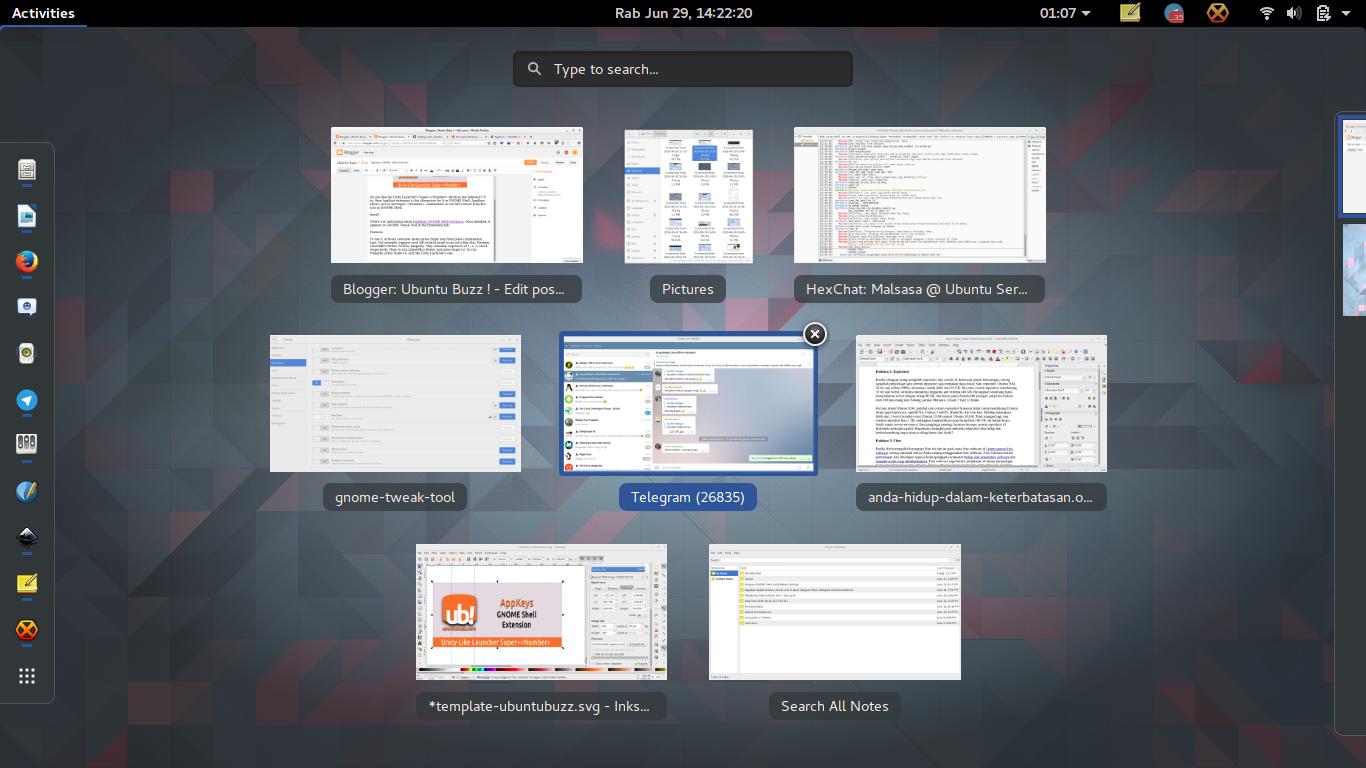
To use it, activate GNOME overview mode (press Super key) then press combination keys. For example, suppose your left-vertical panel icons set is like this: Nautilus, Writer, Firefox, Empathy. They resemble sequences of 1, 2, 3, and 4 respectively. Then, to run LibreOffice Writer, just press Super+2. To run Empathy, press Super+4. Just like Unity Launchers one.
Note: AppKeys has a difference with the original Unity Launcher behavior, which is it does not show the number label for each icon on the Launcher. At least, AppKeys in my GNOME Shell 3.18 still has no number labels.
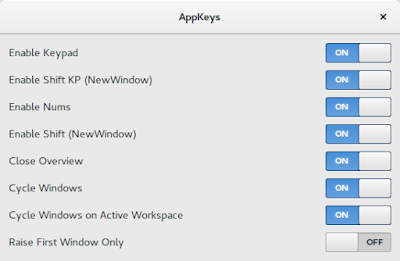
Some other features you may want to enable/disable are available via GNOME Tweak Tool:
- Turn off overview after running an application.
- Open new window (instead of open the already running one).
- Enable keypad.
- Enable number keys.